How to Set Up a Mikrotik Hotspot
Mikrotik Hotspot Settings - To use SharkWifi, you need to configure your Mikrotik router. Here are the steps to configure your Mikrotik router.
Open the IP > Hotspot > Hotspot Setup menu.
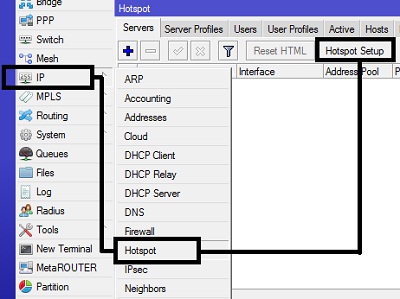
By using the Hotspot Setup button, the Hotspot wizard will guide you through the settings by displaying dialog boxes at each step.
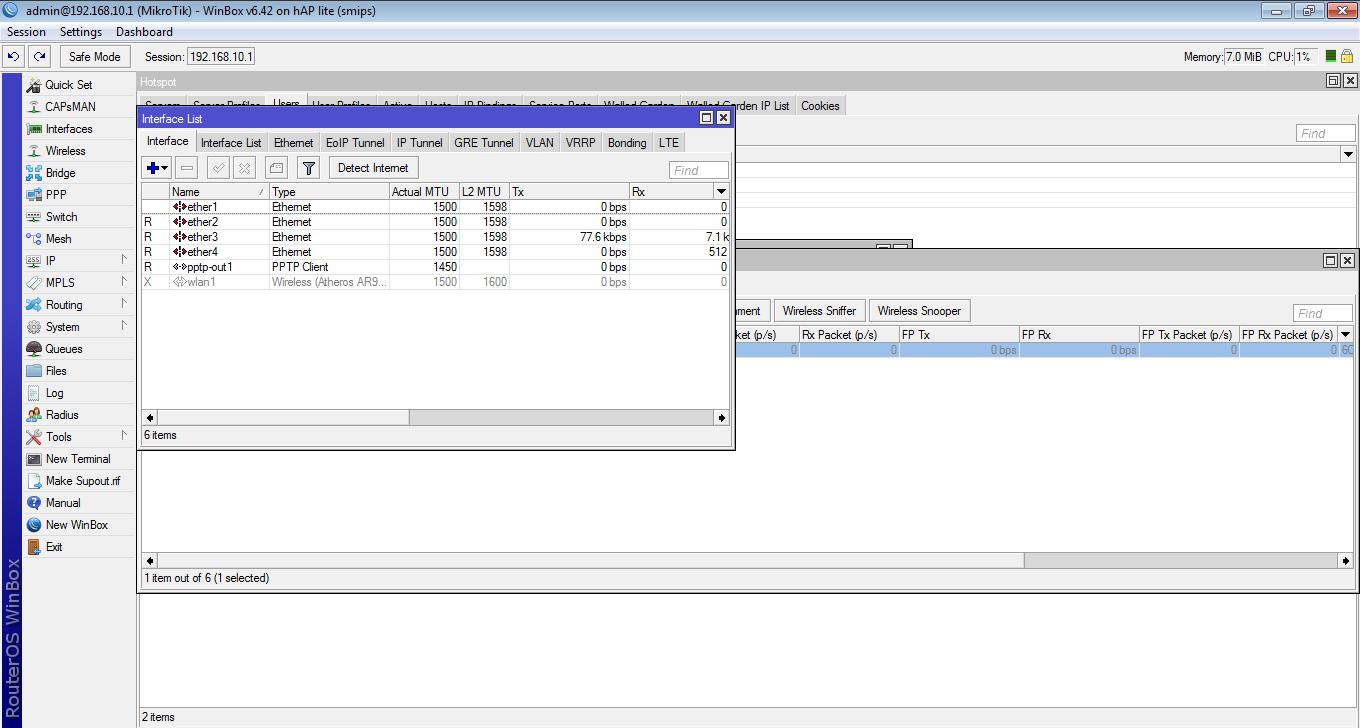
In the first step, you'll be asked to specify which interface the Hotspot will be activated on. In this case, the Hotspot is activated on wlan1, which we've already set as the access point (AP-bridge). Next, click Next.
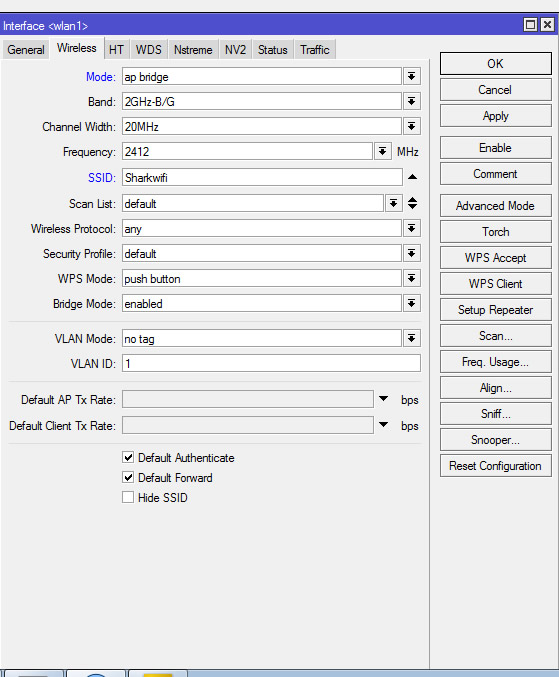
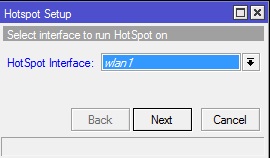
If the wlan1 interface already has an IP address, then in this second step, the IP address on wlan1 will be automatically filled in. However, if the IP address is not installed, we can specify the IP address in this step. Then click Next.
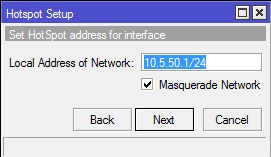
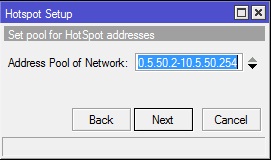
The third step is to determine the range of IP addresses that will be assigned to users (DHCP Server). By default, the router automatically assigns an IP range according to the IP prefix/subnet on the interface. However, you can change this if needed. Then click Next.
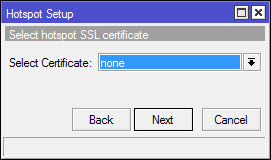
The next step is to specify an SSL certificate if you plan to use HTTPS for the login page. If you don't have an SSL certificate, select "None," then click Next.
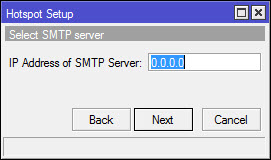
If necessary, a dedicated SMTP server can be specified for the hotspot server, so that every SMTP client request is redirected to the specified SMTP server. Since no SMTP server is provided, we leave the default IP of 0.0.0.0. Then click Next.
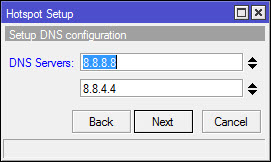
In this step, we determine the DNS server address. You can use the DNS provided by your ISP or open DNS. For example, we're using Google's DNS server. Then click Next.
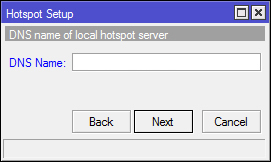
Next, we'll be asked to enter the DNS name for the local hotspot server. This step is not necessary because we'll use the IP address URL from wlan1. Then click Next.
The final step, determine the username and password to log in to your hotspot network. This is the username we will use to test our hotspot network.
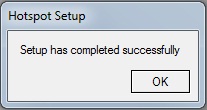
Up to this step, if you click Next, a message will appear stating that the Hotspot setup is complete.